Product Center
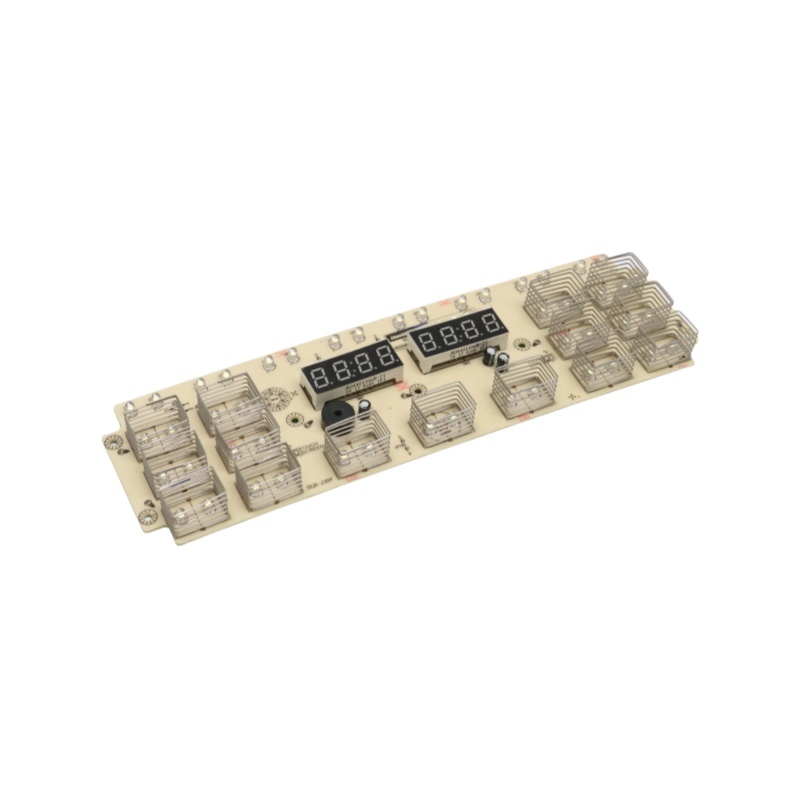
Air fryer control panel
The company focuses on the R&D, production, and sales of home appliance hardware and software, covering kitchen appliances, smart home, home textile controllers, etc. It also focuses on WIFI/Bluetooth, 5G/6G module applications, empowering smart life with innovative technologies.
Category:
Product Description
**Air Fryer Control Panel**
Air fryers have become a popular kitchen appliance in recent years, offering a healthier alternative to traditional frying methods. One of the key features that make air fryers user-friendly is their control panel. This article will delve into the various aspects of the air fryer control panel, including its layout, functionalities, and tips for optimal use.
**Understanding the Layout**
The control panel of an air fryer typically consists of several buttons or a digital display. Depending on the model, it may feature a combination of manual dials, push buttons, and touch screens. The layout is designed to provide easy access to the different cooking functions and settings.
At the top of the control panel, users will usually find the power button. This is the first step to operating the air fryer. Below this, there are buttons or a dial for setting the cooking temperature. Most air fryers allow users to adjust the temperature between 180°F to 400°F, catering to various recipes and food types.
Another important aspect of the control panel is the timer. This feature allows users to set the cooking duration, typically ranging from a few minutes to an hour. Some advanced models even include a pre-set timer function that automatically adjusts cooking times based on the food type selected.
**Functionalities of the Control Panel**
The functionalities of the air fryer control panel are designed to enhance the cooking experience. Most models come equipped with pre-set cooking programs for popular dishes such as fries, chicken, and fish. By simply selecting the corresponding button, users can initiate the cooking process without having to manually adjust the temperature and time.
Additionally, many air fryers feature a "keep warm" function, which allows food to stay at a safe serving temperature after cooking is complete. This is particularly useful for families or gatherings, where meals may be served at different times.
Some advanced air fryer models even come with Wi-Fi connectivity, allowing users to control the appliance through a smartphone app. This feature provides added convenience, as users can monitor cooking progress and adjust settings from a distance.
**User Experience and Ease of Use**
One of the primary advantages of an air fryer control panel is its user-friendly design. The buttons are usually clearly labeled, making it easy for even novice cooks to operate the appliance. The digital displays often include icons that represent different cooking functions, providing a visual cue for users.
For those who prefer a more tactile experience, manual dials can offer a satisfying way to control the cooking process. These dials typically provide a more immediate feedback compared to touch screens, which can sometimes be less responsive.
Regardless of the design, the overall user experience is enhanced by the intuitive layout of the control panel. This makes it easier for users to experiment with different recipes and cooking techniques without feeling overwhelmed.
**Tips for Optimal Use**
To get the most out of your air fryer control panel, consider the following tips:
1. **Read the Manual**: Before using your air fryer, take the time to read the user manual. This will help you understand the specific functions and features of your model.
2. **Experiment with Pre-sets**: Don’t hesitate to try out the pre-set cooking programs. They are designed to provide optimal results for specific foods and can save you time in adjusting settings.
3. **Use the Timer Wisely**: Always keep an eye on the timer. While air fryers cook faster than traditional ovens, it’s important to check your food periodically to prevent overcooking.
4. **Preheat When Necessary**: Some recipes may benefit from preheating the air fryer. If your model requires preheating, make sure to set it up before placing food inside.
5. **Keep It Clean**: Regularly clean the control panel and surrounding areas to ensure that buttons and displays remain functional. Avoid using abrasive cleaners that may damage the surface.
**Conclusion**
The air fryer control panel is an essential component that significantly enhances the cooking experience. With its user-friendly layout and various functionalities, it allows both novice and experienced cooks to prepare healthier meals with ease. By understanding how to navigate the control panel and utilizing its features effectively, users can enjoy the full benefits of this versatile kitchen appliance. As air fryers continue to evolve, we can expect even more innovative features that will further simplify cooking and promote healthier eating habits.
**Air Fryer Control Panel**
Air fryers have become a popular kitchen appliance in recent years, offering a healthier alternative to traditional frying methods. One of the key features that make air fryers user-friendly is their control panel. This article will delve into the various aspects of the air fryer control panel, including its layout, functionalities, and tips for optimal use.
**Understanding the Layout**
The control panel of an air fryer typically consists of several buttons or a digital display. Depending on the model, it may feature a combination of manual dials, push buttons, and touch screens. The layout is designed to provide easy access to the different cooking functions and settings.
At the top of the control panel, users will usually find the power button. This is the first step to operating the air fryer. Below this, there are buttons or a dial for setting the cooking temperature. Most air fryers allow users to adjust the temperature between 180°F to 400°F, catering to various recipes and food types.
Another important aspect of the control panel is the timer. This feature allows users to set the cooking duration, typically ranging from a few minutes to an hour. Some advanced models even include a pre-set timer function that automatically adjusts cooking times based on the food type selected.
**Functionalities of the Control Panel**
The functionalities of the air fryer control panel are designed to enhance the cooking experience. Most models come equipped with pre-set cooking programs for popular dishes such as fries, chicken, and fish. By simply selecting the corresponding button, users can initiate the cooking process without having to manually adjust the temperature and time.
Additionally, many air fryers feature a "keep warm" function, which allows food to stay at a safe serving temperature after cooking is complete. This is particularly useful for families or gatherings, where meals may be served at different times.
Some advanced air fryer models even come with Wi-Fi connectivity, allowing users to control the appliance through a smartphone app. This feature provides added convenience, as users can monitor cooking progress and adjust settings from a distance.
**User Experience and Ease of Use**
One of the primary advantages of an air fryer control panel is its user-friendly design. The buttons are usually clearly labeled, making it easy for even novice cooks to operate the appliance. The digital displays often include icons that represent different cooking functions, providing a visual cue for users.
For those who prefer a more tactile experience, manual dials can offer a satisfying way to control the cooking process. These dials typically provide a more immediate feedback compared to touch screens, which can sometimes be less responsive.
Regardless of the design, the overall user experience is enhanced by the intuitive layout of the control panel. This makes it easier for users to experiment with different recipes and cooking techniques without feeling overwhelmed.
**Tips for Optimal Use**
To get the most out of your air fryer control panel, consider the following tips:
1. **Read the Manual**: Before using your air fryer, take the time to read the user manual. This will help you understand the specific functions and features of your model.
2. **Experiment with Pre-sets**: Don’t hesitate to try out the pre-set cooking programs. They are designed to provide optimal results for specific foods and can save you time in adjusting settings.
3. **Use the Timer Wisely**: Always keep an eye on the timer. While air fryers cook faster than traditional ovens, it’s important to check your food periodically to prevent overcooking.
4. **Preheat When Necessary**: Some recipes may benefit from preheating the air fryer. If your model requires preheating, make sure to set it up before placing food inside.
5. **Keep It Clean**: Regularly clean the control panel and surrounding areas to ensure that buttons and displays remain functional. Avoid using abrasive cleaners that may damage the surface.
**Conclusion**
The air fryer control panel is an essential component that significantly enhances the cooking experience. With its user-friendly layout and various functionalities, it allows both novice and experienced cooks to prepare healthier meals with ease. By understanding how to navigate the control panel and utilizing its features effectively, users can enjoy the full benefits of this versatile kitchen appliance. As air fryers continue to evolve, we can expect even more innovative features that will further simplify cooking and promote healthier eating habits.
Keywords:
Air fryer


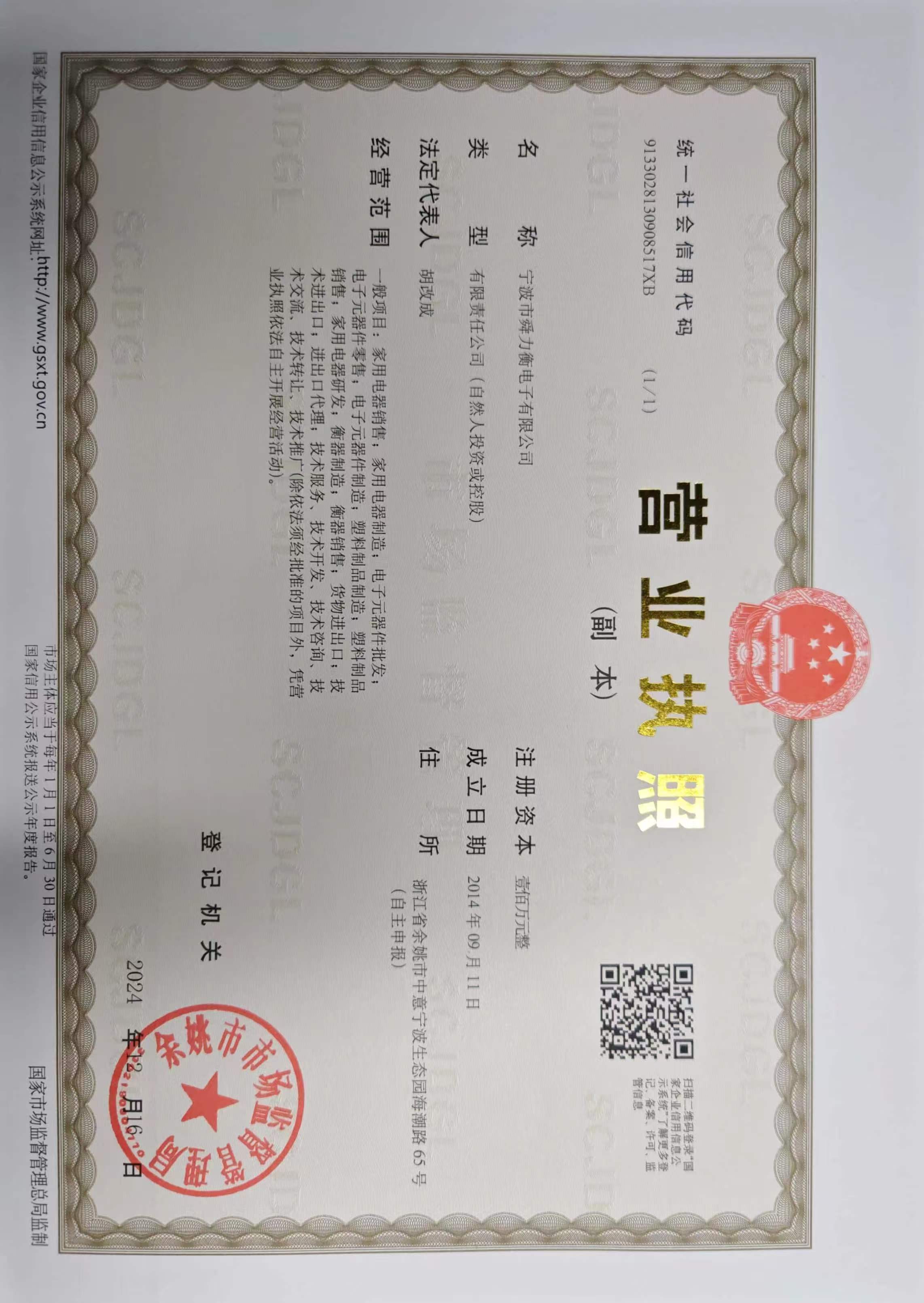
Ningbo Shunliheng Electronics Co., Ltd.
Address: No. 65, Haichao Road, Zhongyi Ningbo Eco-Park, Yuyao City, Zhejiang Province